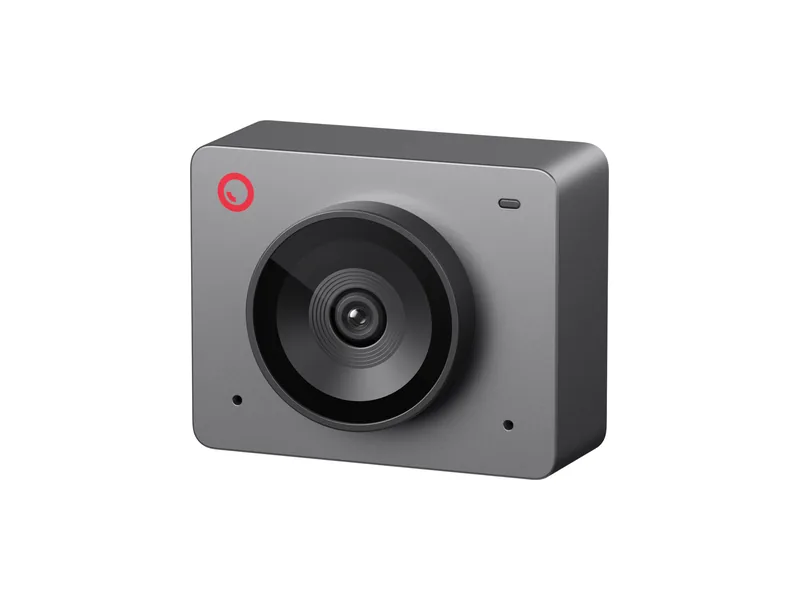
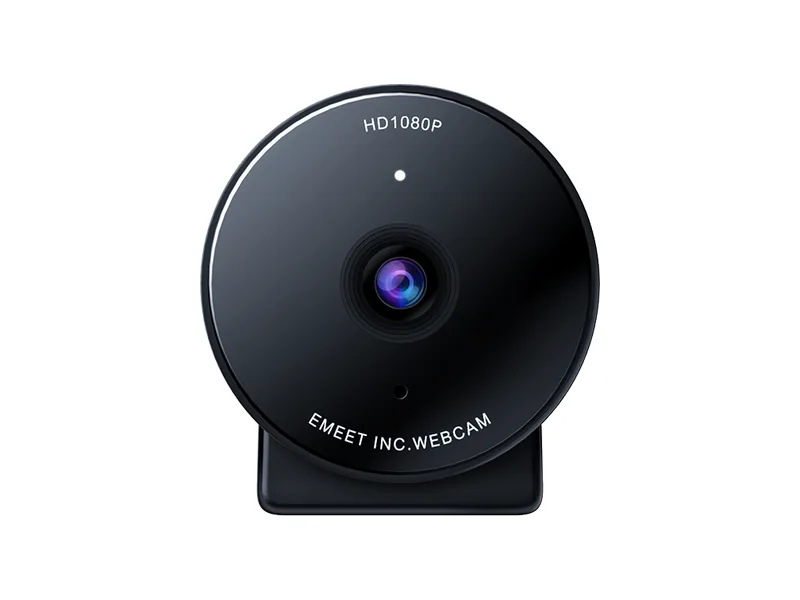
NearStream 2K Webcam for Head and Eye Tracking
Yes, the NearStream 2K webcam (V02AF) works with the Beam Eye Tracker. It offers 1080p at 60fps in the $30 to $60 range, with a field of view you can narrow to 60°.
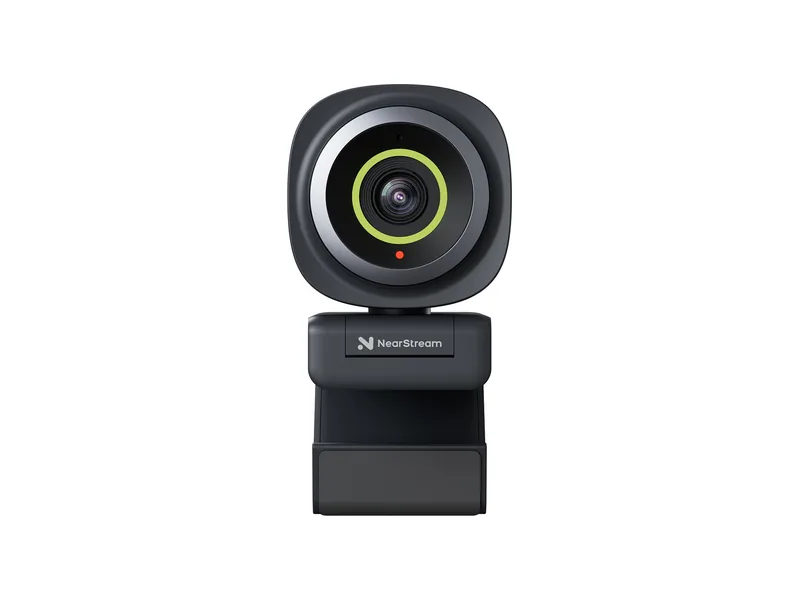
- Works with the Beam Eye Tracker
- Yes
- Setting to use
- 1080p 60fps
- Resolutions
- 2K at 30fps, 1080p at 60fps
- Field of view
- 60°, 75° or 95°, set in NearSync
- Focus
- Autofocus, can be turned off in NearSync
- Microphone
- Built in, noise canceling
- Connection
- USB, plug and play
- Price tier
- $30 to $60
Thank you for supporting us through our affiliate links. As an Amazon Associate, we earn from qualifying purchases, at no extra cost to you.
What the community says
Why it suits head and eye tracking
-
Frame Rate
1080p at 60fps for $30 to $60, smoother than a 30fps webcam.
-
Narrow FOV
Set the field of view to 60° in NearSync, so your face fills more of the picture.
-
Illumination Robustness
The Beam Eye Tracker works in most regular lighting, down to fairly dark rooms. Only in very low light do some cameras lengthen their exposure, which lowers the frame rate. A little light in the room then helps.
-
Automatic Framing Off
No automatic framing, so the frame stays the same as when you calibrated.
Best settings
-
Choose 1080p at 60fps
In the Beam Eye Tracker, open Tracker Settings and set the camera access to Exclusive. Then pick 1080p at 60fps under Resolution & Framerate.
-
Keep the picture still
In NearStream's NearSync software, turn off autofocus and set the field of view to 60°, so the camera does not refocus while you play.
As a webcam
What it does well
- 1080p at 60fps for $30 to $60.
- A field of view you can set to 60°, 75° or 95°.
- Saturation, brightness, contrast and hue controls in NearSync.
- Plug and play on Windows, macOS, Linux and ChromeOS, with a clip and a 1/4" thread for a tripod.
Where it falls short
- NearStream lists no privacy cover.
Questions about the NearStream 2K Autofocus
Does the NearStream 2K webcam work with the Beam Eye Tracker?
Yes. It is a standard USB webcam, so the Beam Eye Tracker sees it like any other. Install NearSync to turn off autofocus and narrow the view to 60°.
Which field of view should I use?
60°, the narrowest. Set it in NearSync, and your face fills more of the picture.
Should I use 2K at 30fps instead?
No, 1080p at 60fps. Rule of thumb, from 1080p: max out the frame rate first, then raise the resolution.
Does it do eye tracking or only head tracking?
Both. The Beam Eye Tracker reads your head and your eyes from the same webcam picture.
Is there a 4K version of the NearStream 2K webcam?
Yes, the NearStream V08AF does 4K at 30fps. This page is about the 2K model, the V02AF, which does 1080p at 60fps. Rule of thumb, from 1080p: max out the frame rate first, then raise the resolution.
Can I use the NearStream 2K Autofocus for streaming or video calls at the same time?
Yes. With the camera access set to Shared in Tracker Settings, any other app can use the camera in parallel. With Exclusive, select Eyeware Camera, the virtual camera the Beam Eye Tracker creates, as the camera in the other app (OBS, Discord, a video call).