









NEW: Direct Game Camera Control. Opentrack Components Now Built In.
Turn Your Webcam
into an Eye Tracker
Look around naturally with head and eye tracking in hundreds of PC games. No extra hardware. Works with your webcam or phone.
20% OFF
Limited-time offer. Valid for both the Steam and Standalone versions.
Days
Hours
Minutes
Seconds
4.5
(757)
on
STEAM®
Also available as Standalone (direct download, no Steam required)
Turn Your Webcam
into an Eye Tracker
to Control Your In-Game Camera
Enjoy more immersion in over 200 compatible PC games. Works with your webcam or phone, no extra hardware needed.
Try Beam risk-free now.
20% OFF
Limited-time offer. Valid for both the Steam and Standalone versions.
Days
Hours
Minutes
Seconds
4.5
(757)
on
STEAM®
Also available as Standalone (direct download, no Steam required)
More Immersive Gaming
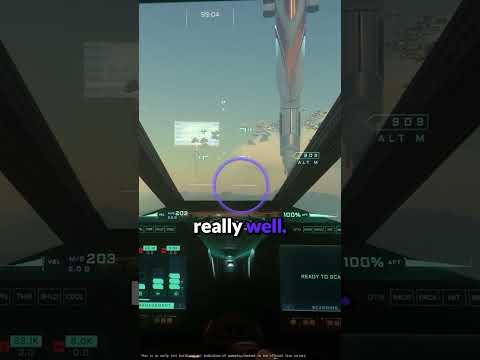
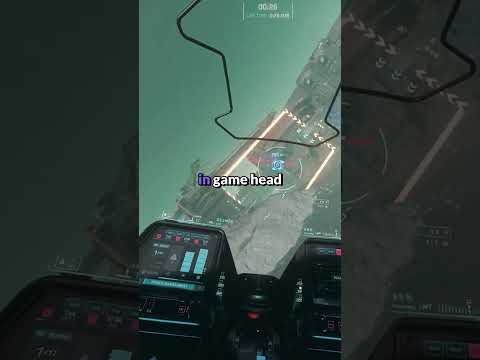
Dive into ultimate gaming immersion with AI-powered webcam eye tracking. Control your in-game camera with head and eye movements in flight simulators, space sims, racing games, and more.
More Immersive Gaming
Dive into ultimate gaming immersion with AI-powered webcam eye tracking. Control your in-game camera with head and eye movements in flight simulators, space sims, racing games, and more.
No Extra Hardware
Eye tracking performance comparable to dedicated hardware devices, powered by your existing webcam. Supports webcams capable of 60fps or higher for minimal latency.
Risk-Free Trial
3-hour free trial on Steam with all features included. 14-day money-back guarantee for the Standalone version.
Immerse Yourself With Eye Tracking in Hundreds of PC Games
What Our Community Says
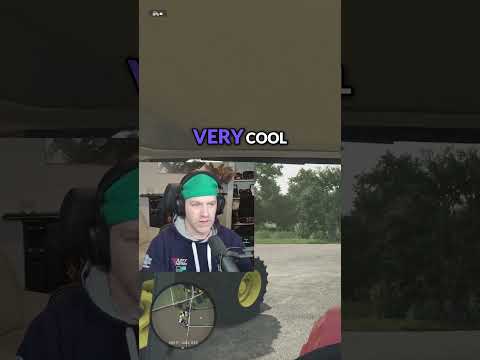
Completely transforms the experience playing Star Citizen for just $30.
_Spontini
·
932 hrs on record
Verified on Steam
After +3k hours I can tell it's simply great. Honestly I am impressed with Beam Eye Tracker performance and how much it could be adjusted, also the option to use the eye tracking as well. Highly recommend.
Herodotus
·
5,415 hrs on record
Verified on Steam
I hesitated before buying, but shouldn't. This was by far the best experience upgrade for the game, it just works and you can adjust and customize as you like.
Momo
·
350 hrs on record
Verified on Steam
For someone coming into this with pretty modest expectations, I was extremely impressed. Easy to setup and get running. I play a lot of Assetto Corsa & American Truck Simulator, and this has been the greatest best bang-for-my-buck immersion improvement to date.
Steadymobbin
·
104 hrs on record
Verified on Steam
I play a lot of flight/space sim games and have tried a lot of different head tracking solutions over the years... I have to say that this one is among the best I have used and is now my default. I don't often recommend software but feel that this should get some credit.
UmbraAtrox
·
1,089 hrs on record
Verified on Steam
For the price this software absolutely rocks, and it's getting better every update. Do not hesitate to support this dev. Running it on a Logitech C920 in DCS and it's flawless.
Mitch762
·
575 hrs on record
Verified on Steam
I mainly play flight simulator games in VR but had to get this mainly for Star Citizen which doesn't have official VR support. I can't believe how perfectly well this works! The precision is pretty accurate for both head and eye tracking.
turb00snail
·
74 hrs on record
Verified on Steam
Game changer, worth every penny and more. ETS2, ATS feel like new games.
soooph
·
106 hrs on record
Verified on Steam
Easy Setup
1
Install Beam
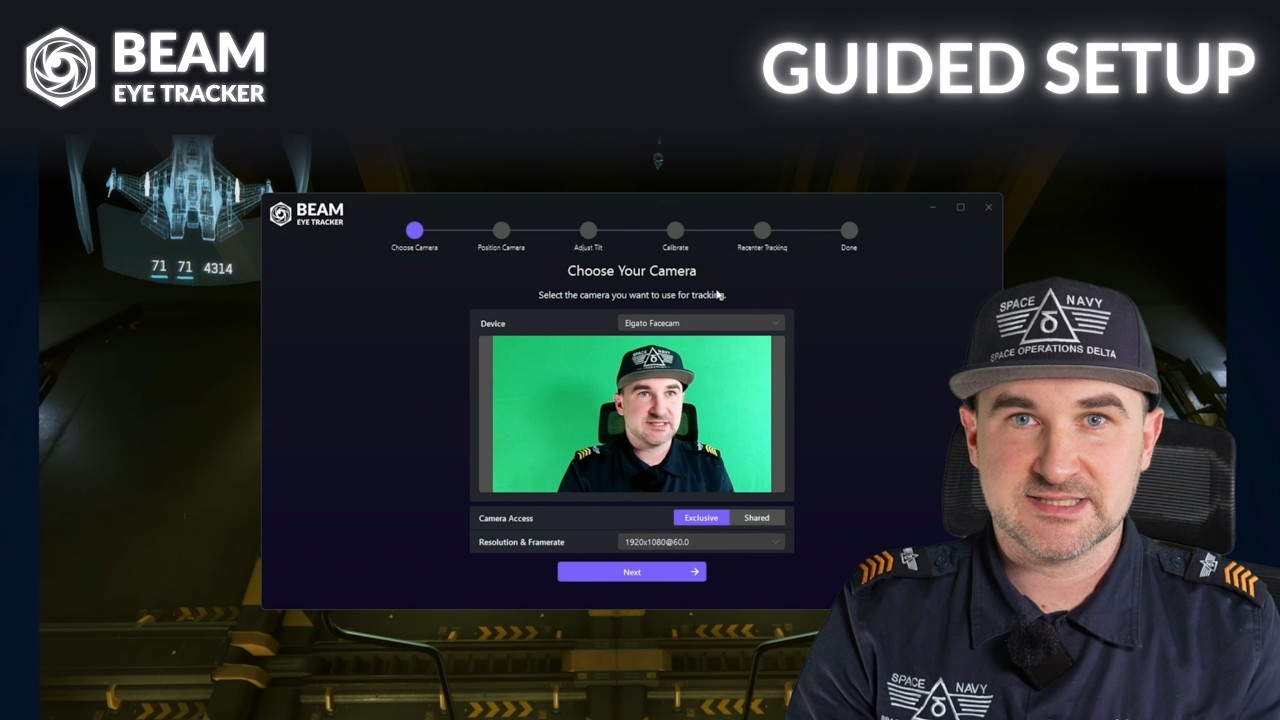
Install Beam and follow the guided setup.
2
Launch Your Game
Start or restart your game to control the in-game camera with your head and eye movements.
3
Enjoy the Immersion
Most games work instantly. A few need a quick setting change. Check our game guides.
No Webcam? Use Your Phone.
Turn your phone into a webcam using built-in options for Android or iOS, or download a webcam app.
For iOS devices with Face ID, we built the Beam Eye Tracker iOS app with offloaded processing.
Eye Tracking Overlay to Enhance Your Livestream and Game Recordings
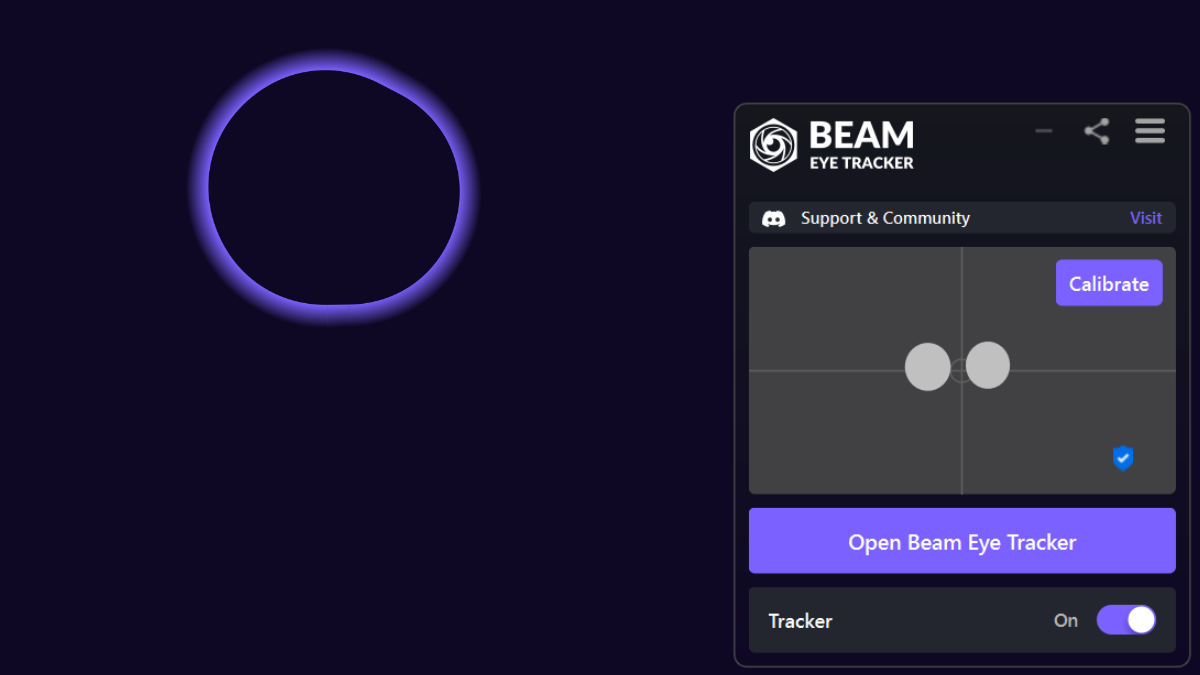
Show your audience exactly where you’re looking during gameplay. Works with OBS and Streamlabs, and you can hide it from your own view while your stream captures it. Record with gaze data to review your focus and improve faster. Customize the color, size, and transparency to fit your layout.
Productivity & Privacy Features
Multi-Screen Pointer
Never lose your cursor between monitors. Look at a screen and your mouse follows automatically.
Mouse Jump
Press a hotkey and your cursor teleports to where you're looking. Less mousing, more doing.
Privacy Filter
Blur or dim the parts of your screen you're not looking at. Toggle it on and off with a hotkey.
Presence Detection
Automatically locks your screen when you step away. Your data stays protected without you thinking about it.
Discover Gaming Extensions That Elevate Your Gaming Experience
We Protect Your Privacy
All processing happens locally on your device. No biometric data is generated or stored.
We’re based in Switzerland, home to some of the world’s strictest privacy laws.
Help Us Reach More Users
We prefer to reward our community rather than paying ad or distribution platforms.
Join our affiliate program and earn a 30% commission for every Beam Eye Tracker sale you refer.
Help your friends and followers discover the Beam Eye Tracker while boosting your own earnings.
Sign up, share your unique link, and start earning today!
Learn More About Eye Tracking in Gaming
Beam Eye Tracker v2.5.5: Direct Game Camera Control
February 3, 2026
Uncategorized
Beam Eye Tracker v2.5.5 now connects directly with compatible games. Opentrack is not required to
Frequently Asked Questions
Is there a free trial available?
Yes.
There’s a free trial available on Steam if you have a Steam Level 1 account. It’s a limited-time trial with all features included.
We offer a 14-day money-back guarantee if you prefer the standalone version on our website and you’re not satisfied with the performance. Email [email protected] to request a refund.
If you don’t have a webcam, try it first with a webcam app and your phone to make sure you’re happy before buying a webcam.
For most users, the initial setup to get it running takes less than 5 minutes. If you encounter issues during the trial, join our Discord server for support or reach out to [email protected].
Do you offer refunds?
Yes.
We offer a 14-day money-back guarantee for purchases of the standalone version from our website. Email [email protected] to request a refund.
There is a free trial available on Steam that we strongly recommend trying before purchase. If you purchase on Steam after being happy with the trial performance, please note that refunds are handled directly by Steam under their policy: Steam Refund Policy.
What types of webcams are compatible with the Beam Eye Tracker?
The Beam Eye Tracker is compatible with most webcams, both integrated and external, as well as free apps that turn your phone into a webcam. For more details, visit beam.eyeware.tech/webcams.
Does the Beam Eye Tracker work with glasses?
Yes, the Beam Eye Tracker is compatible with glasses. However, performance may slightly decrease with strong prescriptions or glare. If your glasses have thick rims, positioning the camera below the monitor can help maintain visibility of your eyes. It’s advisable to try the free demo on Steam to see how it works with your specific glasses.
Does the app collect biometric data?
No, the Beam Eye Tracker does not generate or store any biometric data.